• Questions?
  • Contact
Design Studio Academy
  • Home
  • About us
  • Courses
  • Blog
  • Contact
Close
My Cart 0
  • Home
  • About us
  • Courses
  • Blog
  • Contact
  • 407-461-1888
  • info@designstudioacademy.com
  • facebook
  • google
  • twitter
  • youtube
Card Sorting Activity
21
Jan

Card Sorting Activity

adminWeb Development

Design an intuitive sitemap for a community center website using card sorting. Categorize content and enhance user navigation with Adobe XD!

Read More
Build a WordPress Website
12
Jan

Build a WordPress Website

Tom SmallingWeb Development

Join our WordPress course to master website creation! Learn to set up, design, and create engaging content for a stunning online presence.

Read More
Extend Your Web Page into a Web Site
16
Dec

Extend Your Web Page into a Web Site

adminWeb Development

Enhance your coding skills by building a website in Adobe Dreamweaver. Follow this tutorial to create unique pages and practice HTML/CSS!

Read More
Rotoscope Animations with Photoshop
03
Dec

Rotoscope Animations with Photoshop

Tom SmallingDigital Imaging

Learn how to create captivating rotoscope animations in Photoshop with our step-by-step tutorial! Unleash your creativity today!

Read More
Frame-by-Frame Animations in Photoshop
02
Dec

Frame-by-Frame Animations in Photoshop

Tom SmallingDigital Imaging

Unlock the magic of stop-motion animation with our easy Photoshop tutorial! Create captivating frame-by-frame animations in just a few steps!

Read More
Essential Retouching Tools for Stunning Photos
03
Sep

Essential Retouching Tools for Stunning Photos

Tom SmallingDigital Imaging

Explore essential Photoshop retouching tools to enhance your photos, from cropping to black-and-white conversion and removing imperfections.
Read More
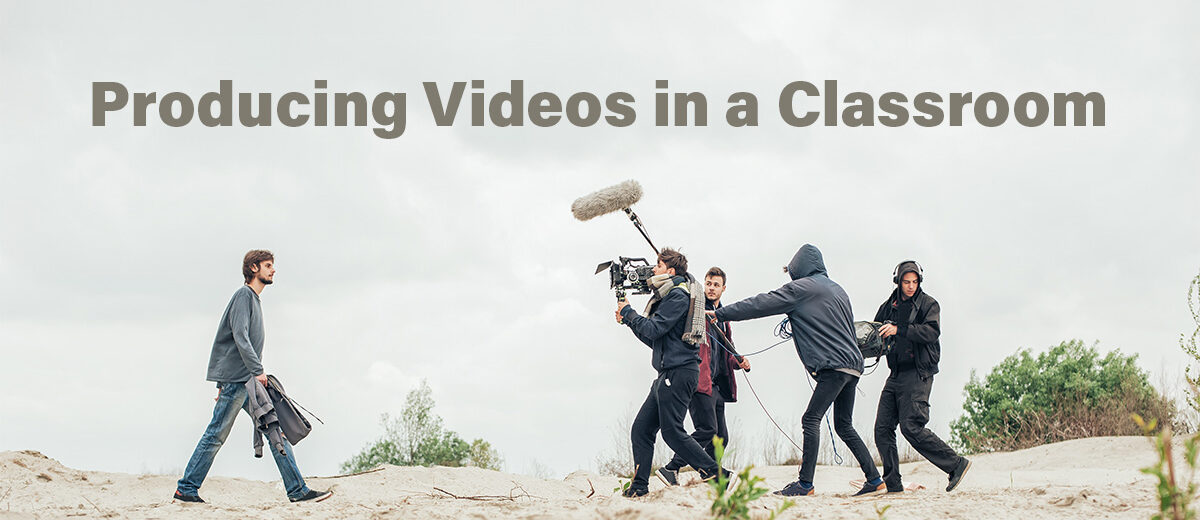
Producing Videos in a Classroom
02
Apr

Producing Videos in a Classroom

Tom SmallingTeaching Resources

Explore the stages and roles of producing videos in the classroom. Learn about each stage and how to group students for projects.

Read More
Choosing Video Equipment for a Design Classroom
26
Mar

Choosing Video Equipment for a Design Classroom

Tom SmallingClassroom Equipment

Explore essential video equipment for design classrooms, including cameras and audio systems, to enhance student learning and creativity.
Read More
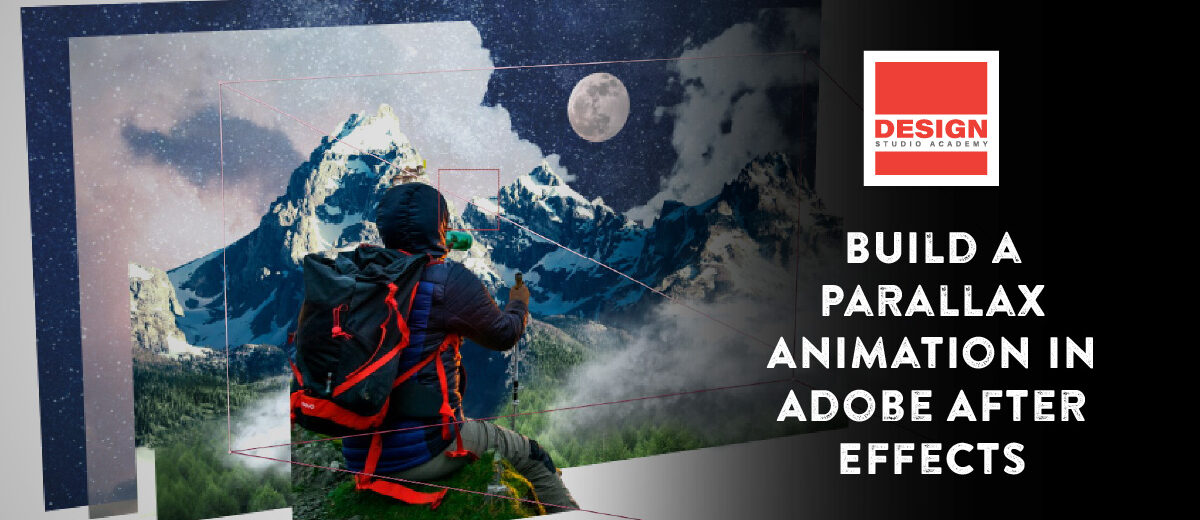
Create a Parallax Animation in Adobe After Effects
17
Apr

Create a Parallax Animation in Adobe After Effects

Tom SmallingMotion Design

In this tutorial, we will use After Effects to create a parallax animation by animating the layers of a Photoshop file. You will learn to transform these layers into 3D objects and animate a camera through the scene.

Read More
Build a Web Page with Dreamweaver
24
Jan

Build a Web Page with Dreamweaver

Tom SmallingWeb Development

Learn to build a simple web page using Adobe Dreamweaver. This tutorial covers setting up workspace, page layout, and adding text and images.

Read More
  • 1
  • 2
Search for:

Categories

  • 1. Classroom Equipment
  • 2. Design Basics
  • 3. Design Resources
  • 4. Digital Illustration
  • 5. Digital Imaging
  • 6. Motion Design
  • 7. Page Layout Design
  • 8. Teaching Resources
  • 9. Video Production
  • 10. Web Development

Latest Courses

  • Building a WordPress Website

    Building a WordPress Website

    Free
  • Advertising for Designers

    Advertising for Designers

    Free
  • Photoshop Basics

    Photoshop Basics

    Free
Design Studio Academy

Company

  • About us
  • Courses
  • Blog
  • Privacy Policy

Support

  • My Profile
  • Contact
  • Opt-out preferences

Contact

  • Contact Us
  • Kissimmee, Florida
Design Studio Academy © 2026. An e-learning project by Smalling Studios, LLC.
  • Facebook
  • YouTube
  • Vimeo
Manage Consent
To provide the best experiences, we use technologies like cookies to store and/or access device information. Consenting to these technologies will allow us to process data such as browsing behavior or unique IDs on this site. Not consenting or withdrawing consent, may adversely affect certain features and functions.
Functional Always active
The technical storage or access is strictly necessary for the legitimate purpose of enabling the use of a specific service explicitly requested by the subscriber or user, or for the sole purpose of carrying out the transmission of a communication over an electronic communications network.
Preferences
The technical storage or access is necessary for the legitimate purpose of storing preferences that are not requested by the subscriber or user.
Statistics
The technical storage or access that is used exclusively for statistical purposes. The technical storage or access that is used exclusively for anonymous statistical purposes. Without a subpoena, voluntary compliance on the part of your Internet Service Provider, or additional records from a third party, information stored or retrieved for this purpose alone cannot usually be used to identify you.
Marketing
The technical storage or access is required to create user profiles to send advertising, or to track the user on a website or across several websites for similar marketing purposes.
  • Manage options
  • Manage services
  • Manage {vendor_count} vendors
  • Read more about these purposes
View preferences
  • {title}
  • {title}
  • {title}