- Questions?
- Contact

- Web Development
- 0 (Registered)
11
Jan

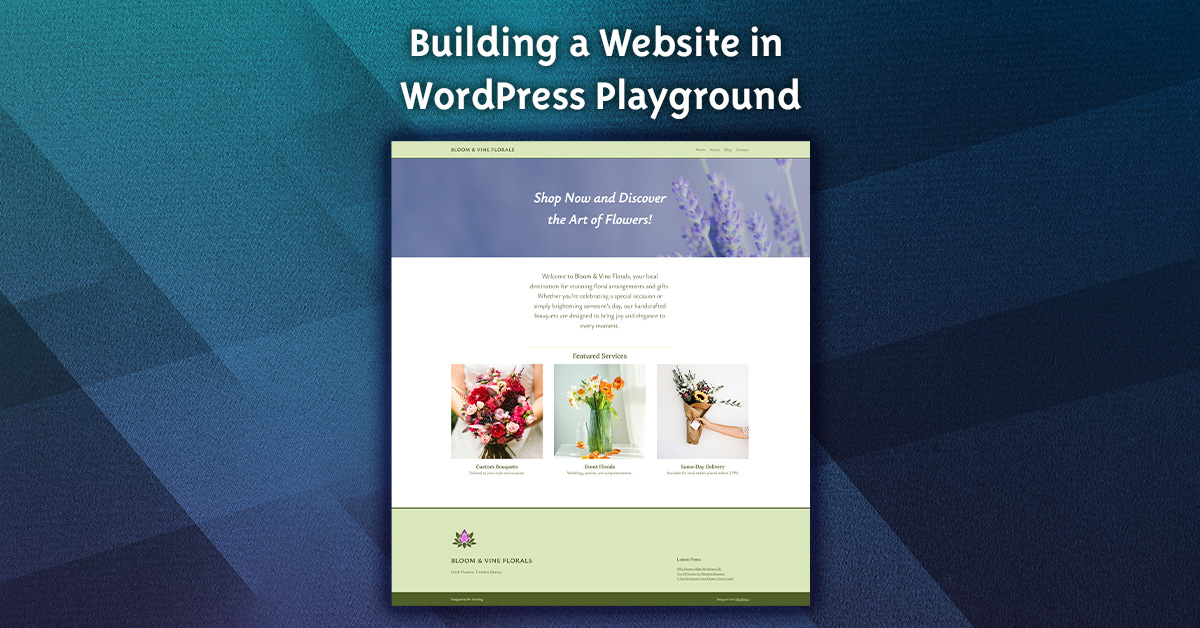
Welcome to our comprehensive course on building a website with WordPress! We’ve carefully crafted a series of engaging videos that will guide you through the essentials of WordPress web development, ensuring that both beginners and those looking to enhance their skills will find valuable insights.
In our Introduction to WordPress lesson, you’ll embark on an exciting journey to explore the essential components of this powerful platform. From the get-go, you’ll discover various options for building your own website and learn the significance of staging websites in the development process.
As you dive into the first lesson, you’ll meticulously set up your WordPress Playground environment, step by step. This hands-on approach allows you to create and save a development website that’s uniquely yours. You’ll take a tour of both the front end and back end of WordPress, getting familiar with how to add a site title and tagline. You’ll also define styles and organize crucial pages that will serve as the backbone for your content.
Moving forward, the second part of your journey invites you to enhance your site’s visual appeal. Here, you’ll roll up your sleeves to modify the header and footer, create an eye-catching copyright bar, and even design a custom site icon. By the end of this lesson, you’ll have mastered the art of keeping your audience engaged, as you craft a footer that spotlights your most recent posts.
The final phase of your WordPress journey focuses on creating vivid and engaging content for your website. You will learn how to enhance your Home, About, and Contact pages with dynamic visuals and text. By adding a stunning cover image, designing service columns, and incorporating a Google Map for your contact information, you will create pages that not only inform but also captivate your visitors. Additionally, you will discover how to develop posts that encourage engagement with your audience.
Through this engaging narrative, you’ll not only learn the technicalities of WordPress but also gain the skills to create a visually stunning and informative website that truly reflects your vision.
Curriculum
- 2 Sections
- 5 Lessons
- Lifetime
Expand all sectionsCollapse all sections
Instructor

Related Courses

Free

Free
Free

Free

Free

Free