
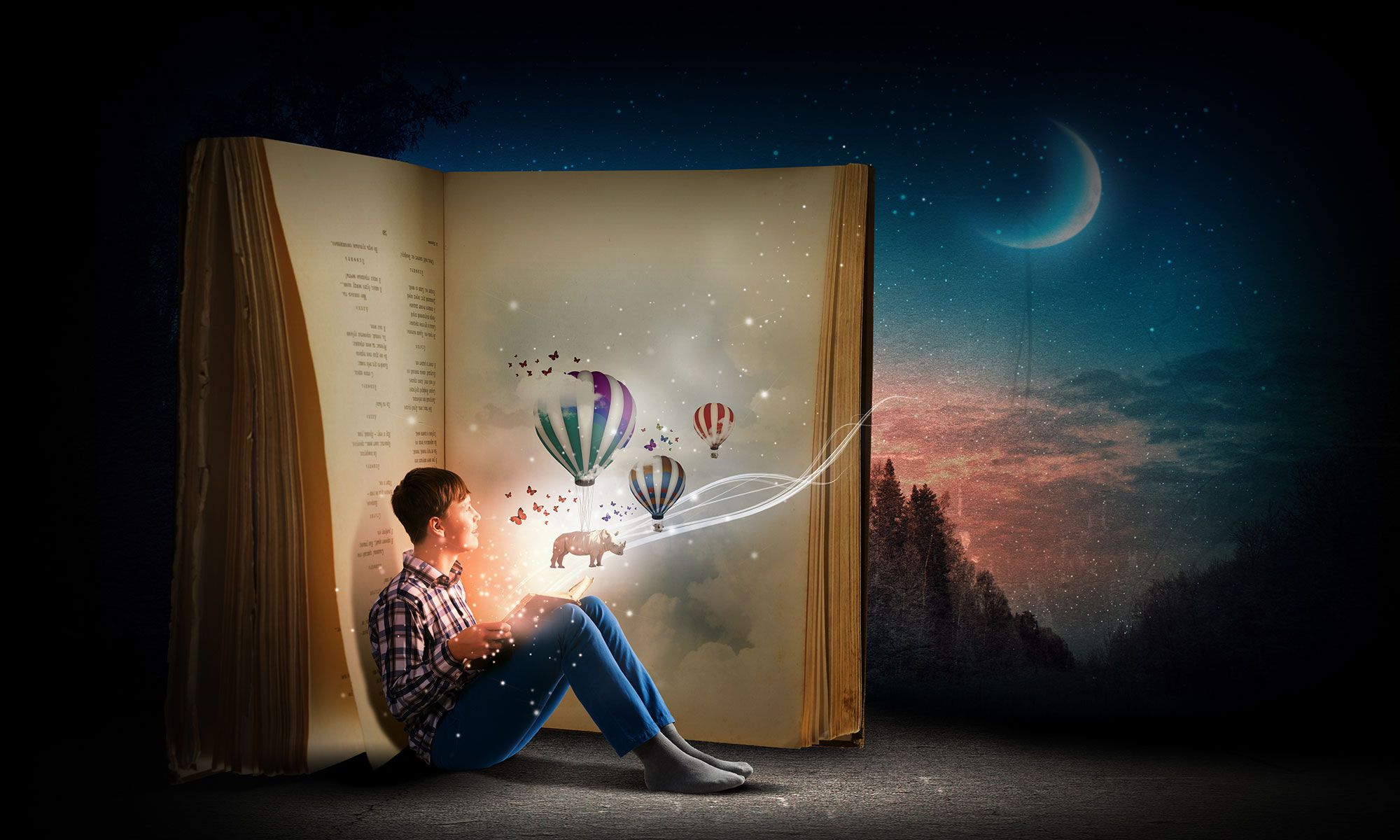
In this advanced-level course, you will learn how to leverage the power of Adobe Photoshop to isolate subjects and create photo compositions. Some of the advanced skills we’ll be working on are using channels, editing masks and using vector tools to make complex selections. All of these tools can be used independently or together to help you achieve the effects world-class artists use every day.
Learning Goal
By the end of this course, you will be able to apply different masking techniques to isolate subjects and build photo composites using Adobe Photoshop.
Learning Targets
- You will create a layer mask using the color range tool to isolate the subject from the background.
- You will use color channels to create a mask then modify the mask to isolate the subject from the background.
- You will use selection refinement tools to enhance a mask to fix hair selections.
- You will use vector tools to draw a precision mask around an object and isolate it from the background.
Content Includes:

Mask using Color Range
In this lesson, you will use the color range tool to select a person on a green screen and add them to a new background.

Mask using Channels
In this lesson, you will use color channels to help build a mask to select the model and place on a new background.

Mask using Layer Mask Refinements
In this lesson, you will use the mask refinement tools to perfectly isolate hair on the model and move the model to a new background

Mask using Vector Tools
In this lesson, you will use the pen tool to perfectly select a car and remove it from the background and place the car in a new scene.